

Create your Honeycomb account
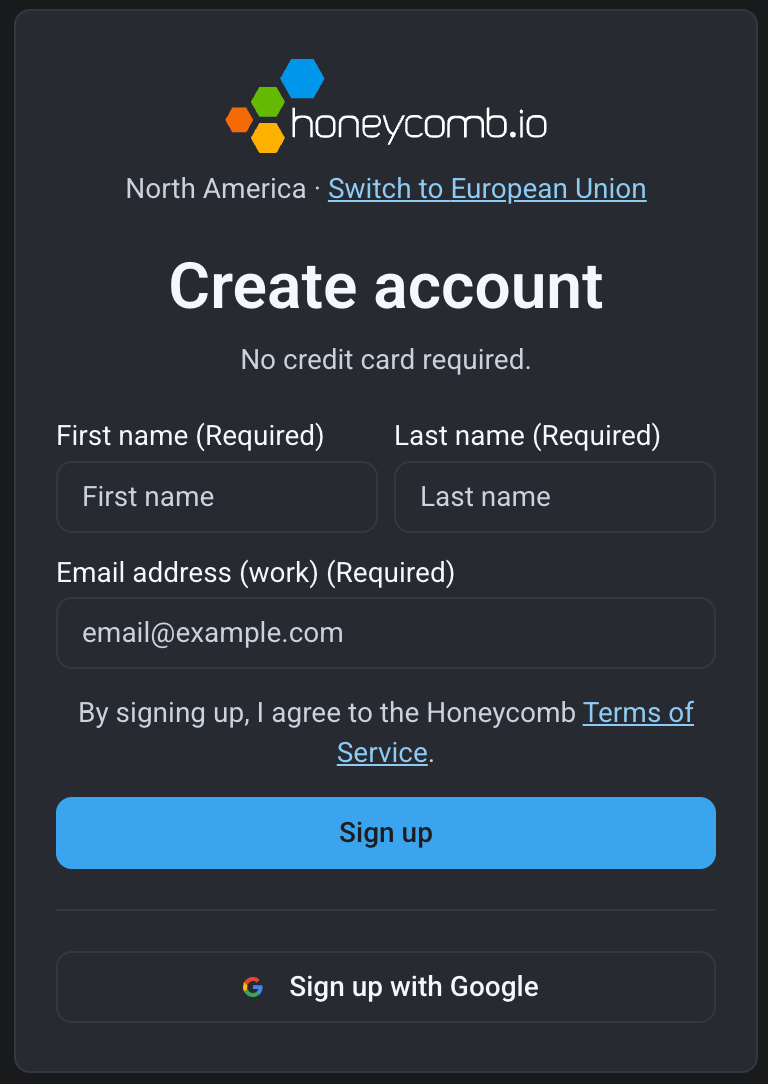
- Go to https://ui.honeycomb.io/signup.
- Select Switch to European Union or Switch to North America to choose your account’s region.
- Sign up with your email or Google account.
- Activate your account using the activation link sent to your email.
Honeycomb stores your data in either a US-based or EU-based location depending on your account region.
Create your team
When you log in to your new Honeycomb account, you’ll be taken to the Create new team page. Give your team a name, choose your occupation/role, and let us know how you heard about Honeycomb. When you are ready, select Create Team.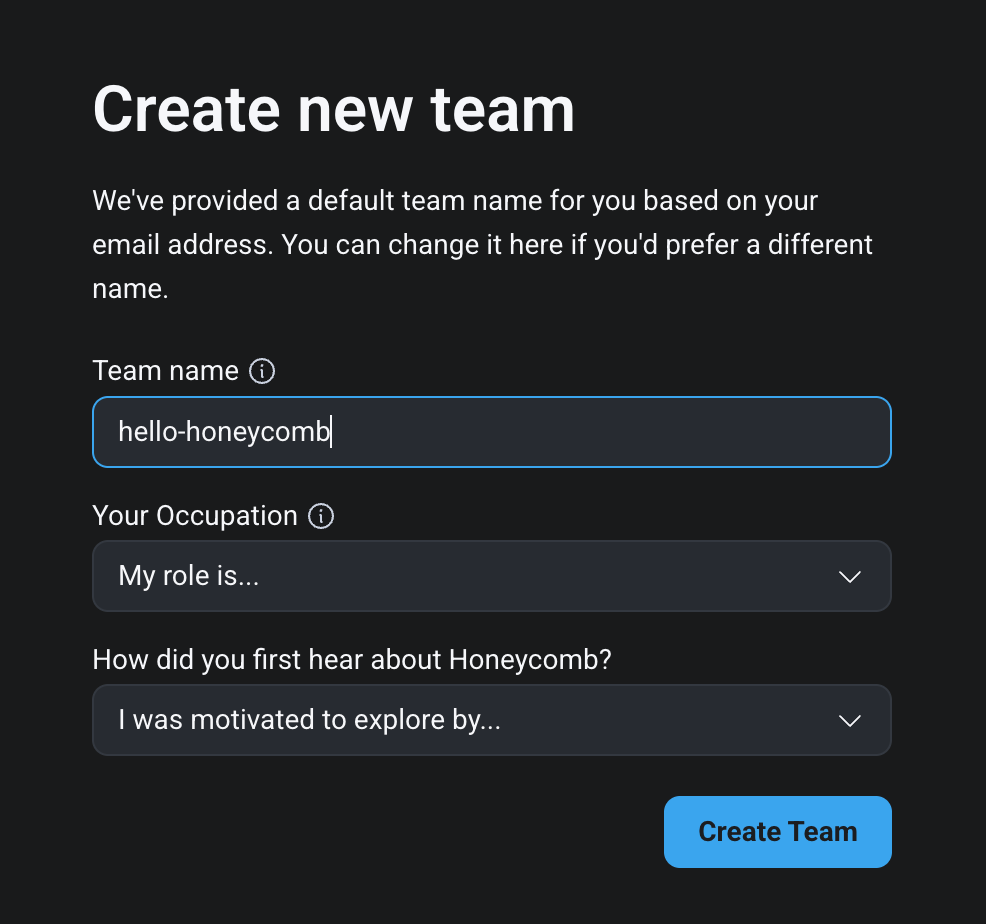
Invite people to your team
- Navigate to Account > Team Settings > Users
- Select Team URL and copy your team’s URL.
- Share this URL with your teammates.