> ## Documentation Index
> Fetch the complete documentation index at: https://docs.honeycomb.io/llms.txt
> Use this file to discover all available pages before exploring further.
# Honeycomb Telemetry Pipeline
Ent+
This feature is available as an add-on for the [Honeycomb Enterprise plan](https://www.honeycomb.io/pricing/).
Please contact your Honeycomb account team for details.
## Description
Monitor the logs of a Honeycomb Telemetry Pipeline (HTP) server. Requires an HTP Agent be installed on the same system as the server.
## Supported Platforms
HTP Agent: `v1.40.0`+
| Platform | Metrics | Logs | Traces |
| :------- | :------ | :--- | :----- |
| Linux | | ✓ | |
| macOS | | ✓ | |
| Windows | | | |
### Configuration
| Field | Description |
| :------------------------------------ | :---------------------------------------------------------------------------------------------------------------------------------------------- |
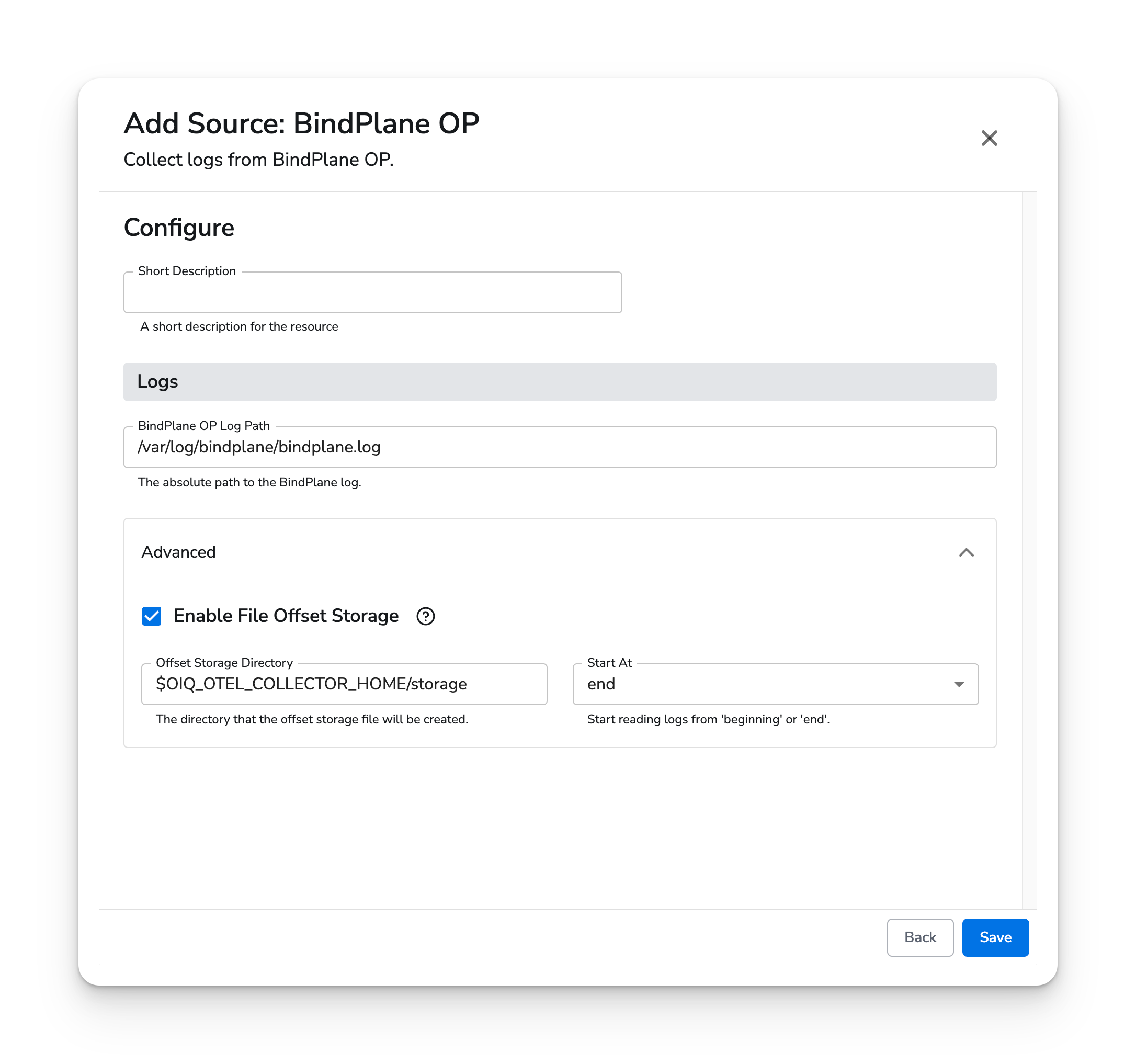
| Honeycomb Telemetry Pipeline Log Path | The absolute path to the HTP log. Default is `/var/log/bindplane/bindplane.log`. |
| Enable File Offset Storage | When enabled, the current position into a file will be saved to disk, and reading will resume from where it left off after a collector restart. |
| Offset Storage Directory | The directory that the offset storage file will be created. Default is `$OIQ_OTEL_COLLECTOR_HOME/storage`. |
| Start At | Where in the log file to begin reading logs from. Can be `beginning` or `end`. |
## Example Configuration
### Basic Configuration
For basic configuration, the defaults are used.
#### Web Interface
 #### Standalone Source
```yaml theme={}
apiVersion: bindplane.observiq.com/v1
kind: Source
metadata:
id: bindplane-agent
name: bindplane-agent
spec:
type: bindplane-agent
parameters:
- name: log_path
value: '/var/log/bindplane/bindplane.log'
- name: enable_offset_storage
value: true
- name: offset_storage_dir
value: '$OIQ_OTEL_COLLECTOR_HOME/storage'
- name: start_at
value: 'end'
```
#### Standalone Source
```yaml theme={}
apiVersion: bindplane.observiq.com/v1
kind: Source
metadata:
id: bindplane-agent
name: bindplane-agent
spec:
type: bindplane-agent
parameters:
- name: log_path
value: '/var/log/bindplane/bindplane.log'
- name: enable_offset_storage
value: true
- name: offset_storage_dir
value: '$OIQ_OTEL_COLLECTOR_HOME/storage'
- name: start_at
value: 'end'
```