> ## Documentation Index
> Fetch the complete documentation index at: https://docs.honeycomb.io/llms.txt
> Use this file to discover all available pages before exploring further.
# Move Field
Ent+
This feature is available as an add-on for the [Honeycomb Enterprise plan](https://www.honeycomb.io/pricing/).
Please contact your Honeycomb account team for details.
## Description
The Move Field processor can be used to move a telemetry field.
## Use
The Move Field processor is utilized for moving telemetry fields in metrics, logs, and traces based on specified conditions.
## Supported Types
| Metrics | Logs | Traces |
| :------ | :--- | :----- |
| ✓ | ✓ | ✓ |
## Configuration
| Field | Description |
| :-------------- | :---------------------------------------------------------- |
| Telemetry Types | The types of telemetry to apply the processor to. |
| Condition | A condition that determines when this processor is applied. |
| Move From | The telemetry field to move from. |
| Move To | The telemetry field to move to. |
## Example Configuration(s)
### Moving An Entire Log Body
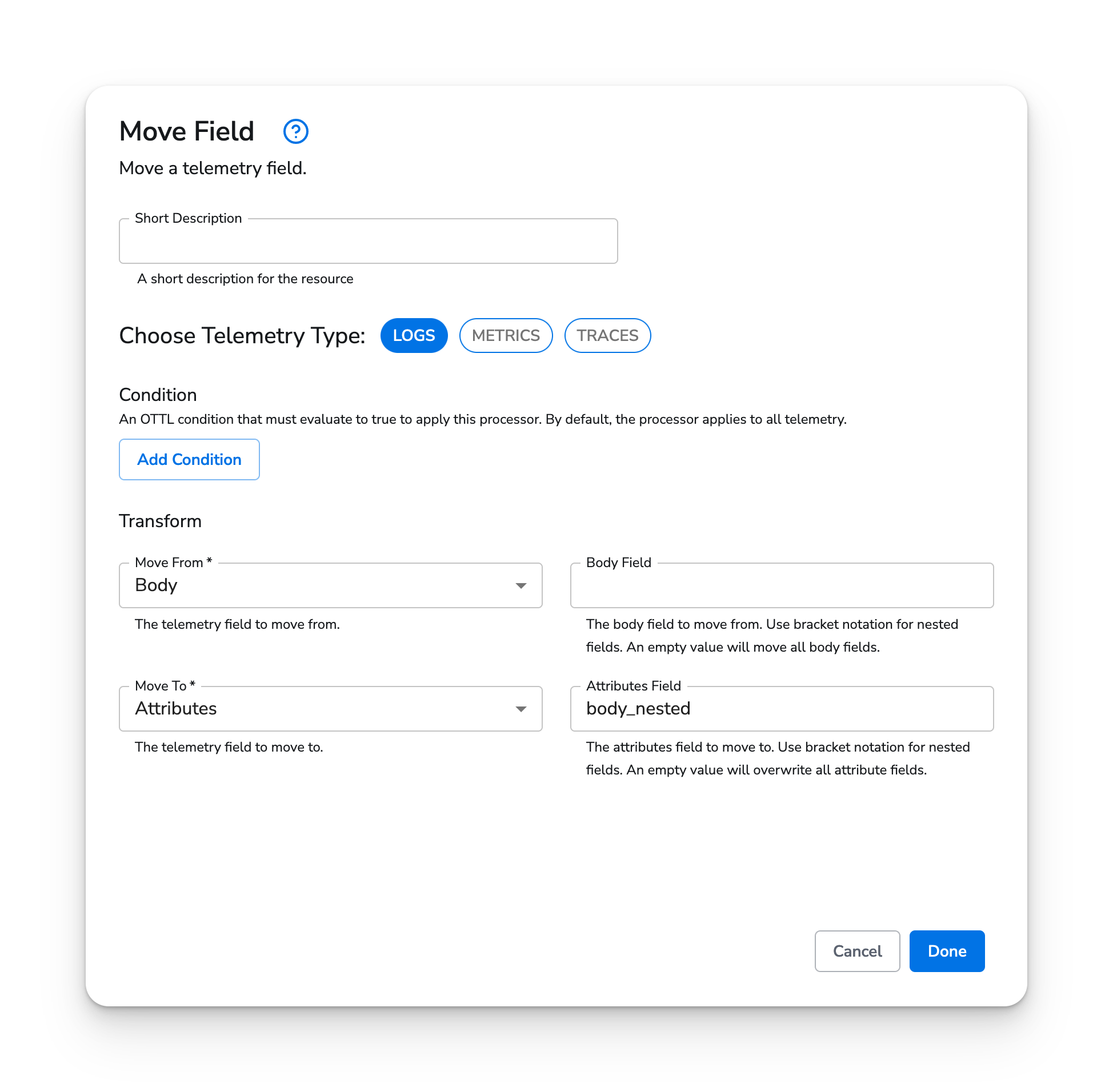
In this configuration, the entire body field is moved to a field on attributes called `body_nested`. This method is useful for destinations that ignore or use the body field in an undesired manner.
#### Web Interface
 ### Nesting A Field
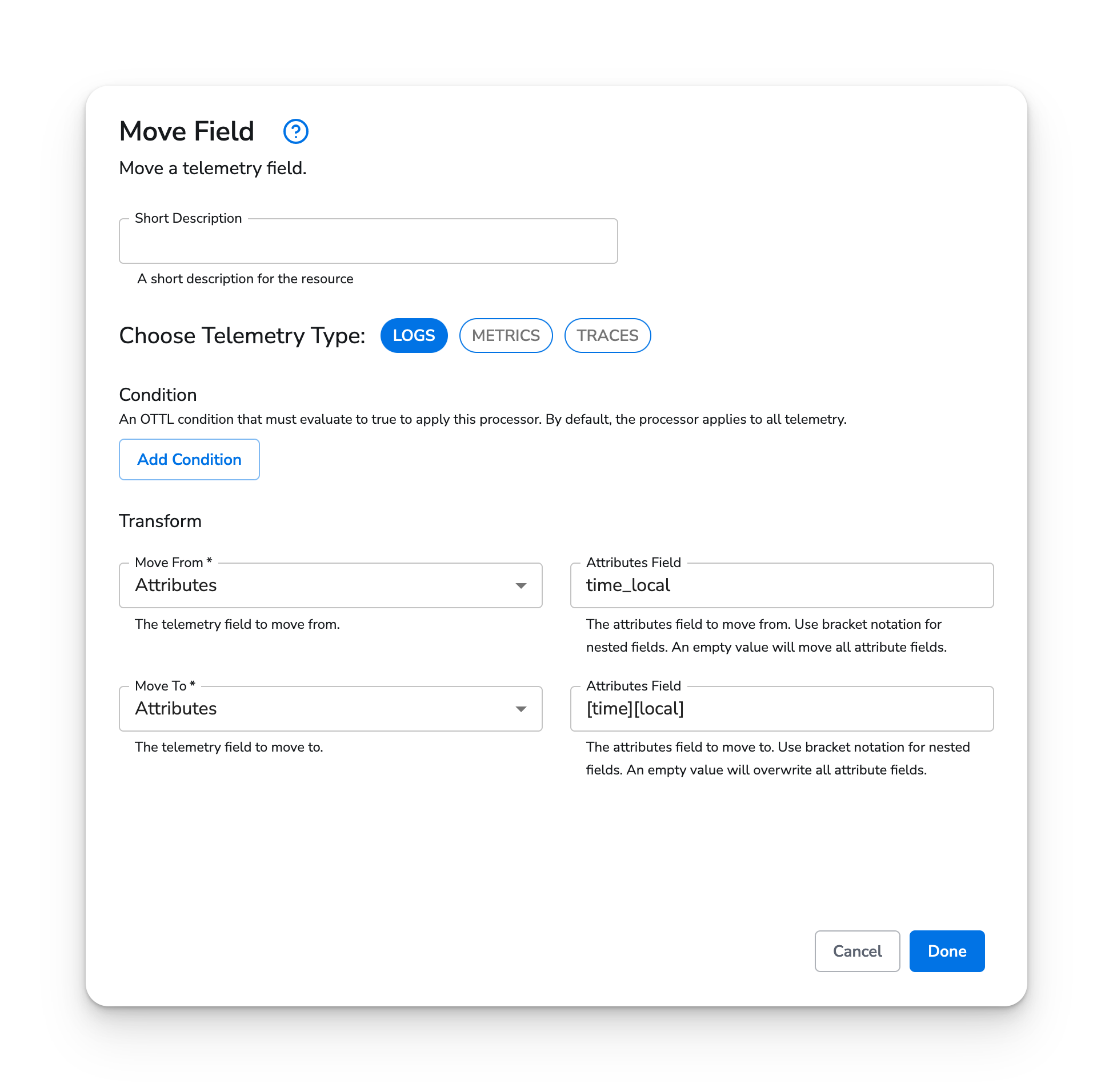
This configuration will nest an attributes field named `time_local` within another field named simply `time`. This is useful for simplifying or standardizing the data structure of incoming logs. In this example, note the use of bracket notation to create nested fields.
#### Web Interface
### Nesting A Field
This configuration will nest an attributes field named `time_local` within another field named simply `time`. This is useful for simplifying or standardizing the data structure of incoming logs. In this example, note the use of bracket notation to create nested fields.
#### Web Interface