> ## Documentation Index
> Fetch the complete documentation index at: https://docs.honeycomb.io/llms.txt
> Use this file to discover all available pages before exploring further.
# Group by Attributes
Ent+
This feature is available as an add-on for the [Honeycomb Enterprise plan](https://www.honeycomb.io/pricing/).
Please contact your Honeycomb account team for details.
| Metrics | Logs | Traces | Telemetry Pipeline Agent |
| :------ | :--- | :----- | :----------------------- |
| ✓ | ✓ | ✓ | `v1.0.0+` |
## Description
The Group by Attributes Processor groups telemetry with shared attribute values into the same resource.
## Use
1. "Promote" attributes so telemetry with those attributes gets grouped under a *resource* of that value.
2. [Compact](https://github.com/open-telemetry/opentelemetry-collector-contrib/tree/main/processor/groupbyattrsprocessor#compaction) telemetry data that shares a resource after batching.
## Configuration
| Field | Description |
| :-------------- | :----------------------------------------------------------------------------------------------------------------------------------------------------------- |
| Telemetry Types | The types of telemetry to apply the processor to. |
| Attribute Keys | The attribute keys to group by and move to the resource. When no keys are specified, resources with the same attributes are compacted into the one resource. |
## Example Configurations
### 1. Promote an attribute
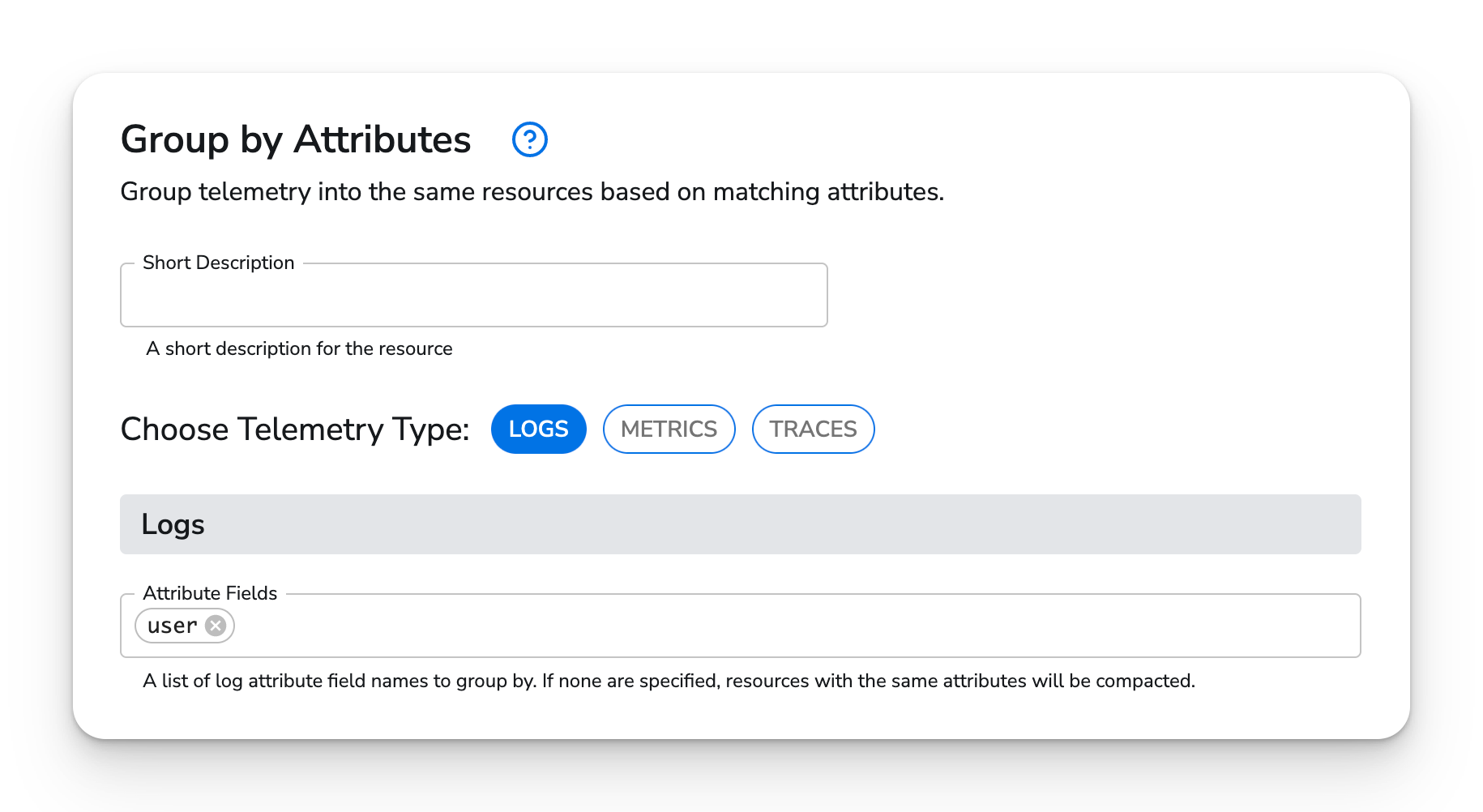
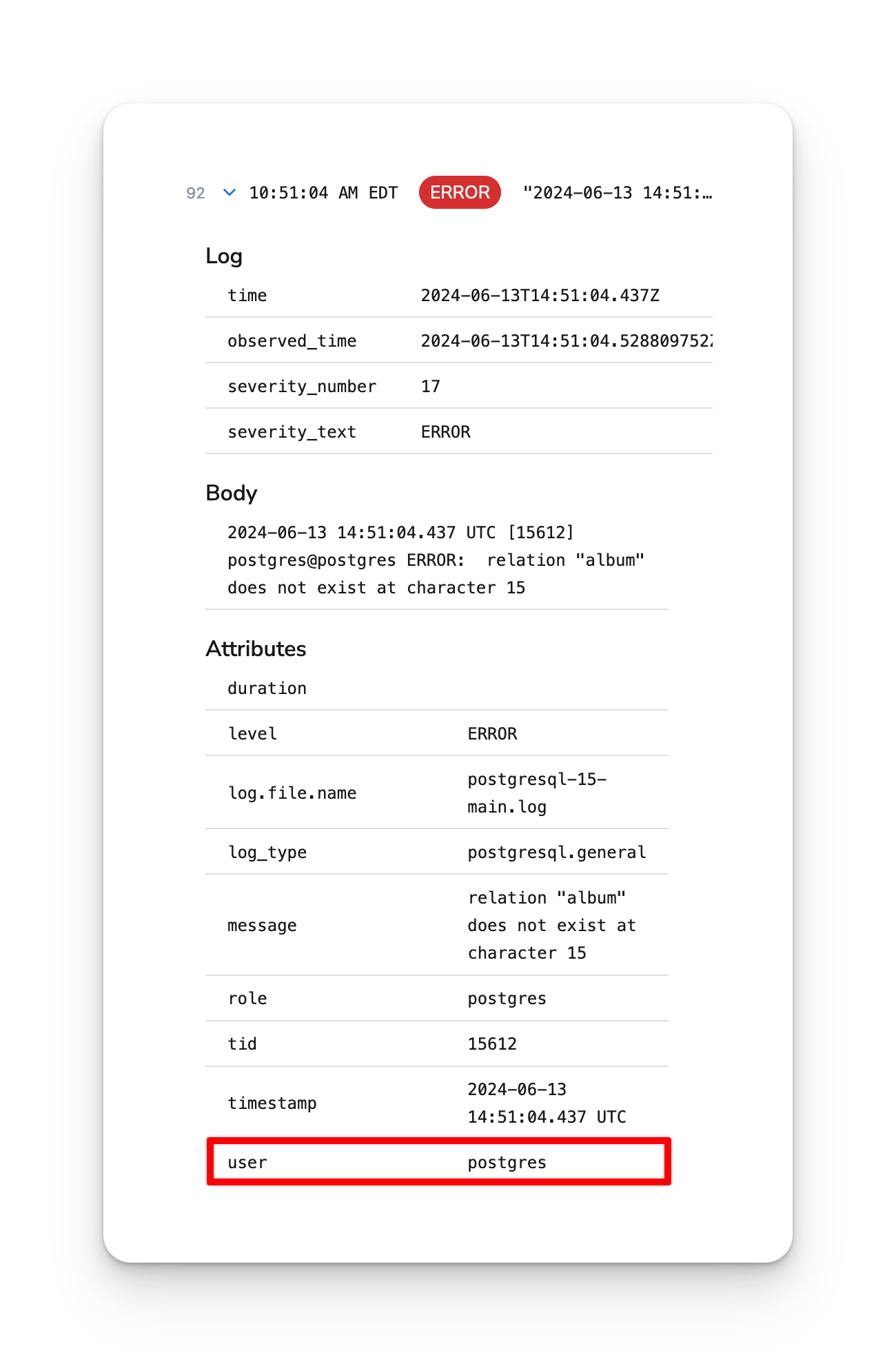
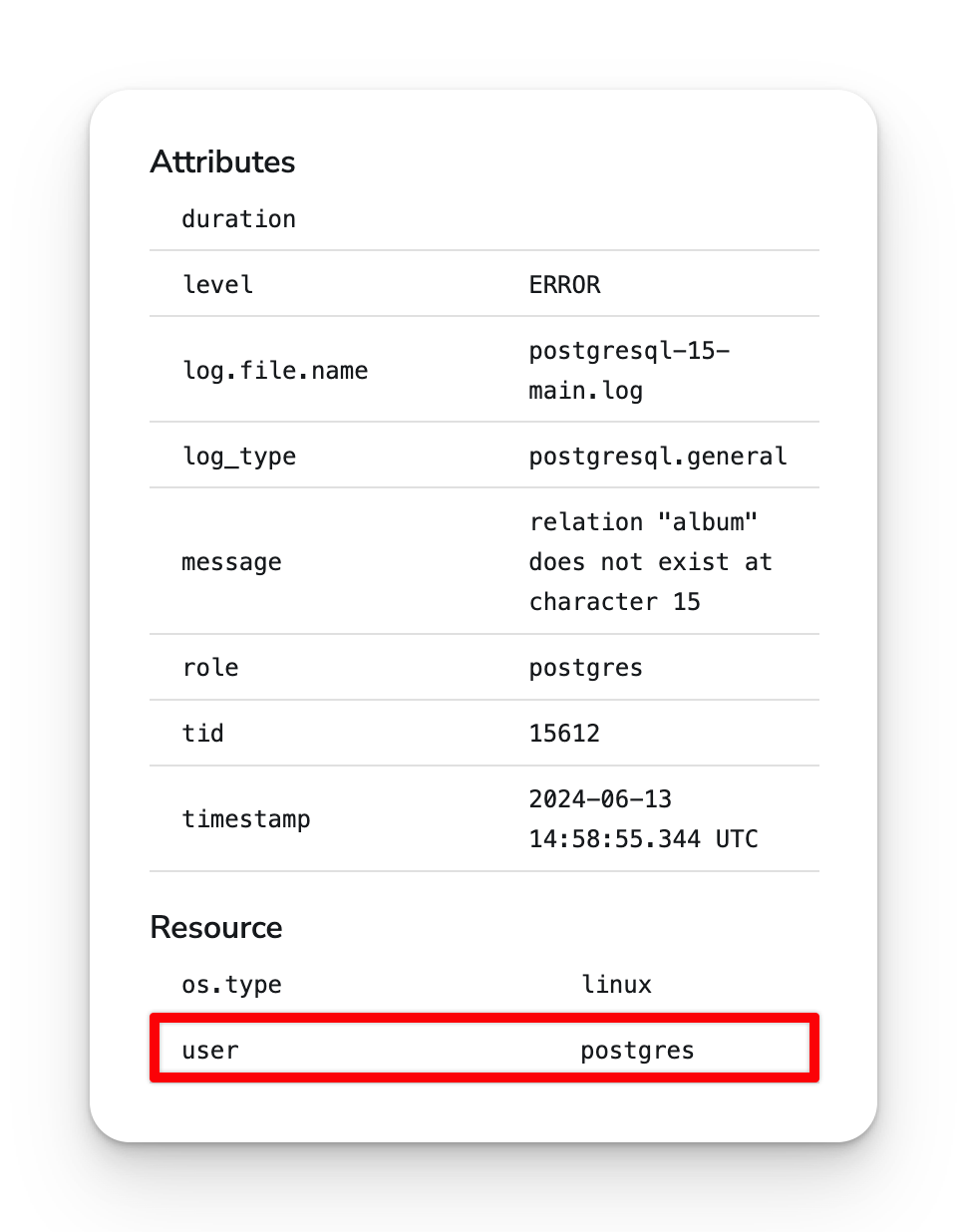
An example of promoting the `user` attribute on logs:
 ### Before processor
 ### After
 ### 2. Compact telemetry with the same resource
By default, the processor will [compact](https://github.com/open-telemetry/opentelemetry-collector-contrib/tree/main/processor/groupbyattrsprocessor#compaction) telemetry that shares the same resource. Using this processor after the batch processor can reduce the amount of data sent to some destinations.
### 2. Compact telemetry with the same resource
By default, the processor will [compact](https://github.com/open-telemetry/opentelemetry-collector-contrib/tree/main/processor/groupbyattrsprocessor#compaction) telemetry that shares the same resource. Using this processor after the batch processor can reduce the amount of data sent to some destinations.