> ## Documentation Index
> Fetch the complete documentation index at: https://docs.honeycomb.io/llms.txt
> Use this file to discover all available pages before exploring further.
# 2026 UI Refresh
> Find Canvas faster, spot low-count heatmap buckets, and read a clearly separated Query Builder in dark mode
export const HnyIcon = ({alias, path, size = 16, iconColor}) => {
const iconMap = {
"home": "house.svg",
"marker": "caretFilledDown.svg",
"show-marker-options": "chatTextLeft.svg",
"download": "arrowLineDown.svg",
"trace-waterfall": "trace.svg",
"show-query-details": "listDashes.svg",
"table": "table.svg",
"log-lines": "logLines.svg",
"chart": "chartLine.svg",
"show-settings": "gear.svg",
"add": "plus.svg",
"remove": "delete.svg",
"persist": "caretDown.svg",
"close": "close.svg",
"copy": "copy.svg",
"zoom-in": "magnifyingGlassPlus.svg",
"zoom-out": "magnifyingGlassMinus.svg",
"color-assignment": "drop.svg",
"drag": "dots-six-vertical.svg",
"drawer": "drawer.svg",
"show-actions": "dotsThree.svg",
"edit": "pencil.svg",
"delete": "trash.svg",
"move": "arrowsOutCardinal.svg",
"show-legend": "circleInfo.svg",
"usage-ok": "usageGood.svg",
"usage-warning": "usageWarning.svg",
"usage-danger": "usageDanger.svg",
"open-query-builder": "query.svg",
"home-menu": "house.svg",
"query-menu": "query.svg",
"boards-menu": "board.svg",
"triggers-menu": "bell.svg",
"slos-menu": "handshake.svg",
"service-map-menu": "serviceMap.svg",
"history-menu": "clockCounterClockwise.svg",
"manage-data-menu": "cube.svg",
"usage-menu": "usageGood.svg",
"canvas-menu": "sparkle.svg",
"anomalies-menu": "anomalies.svg",
"show-details": "dotsThreeVertical.svg",
"resize-handle": "board-panel-resize-handle.png",
"standard-dataset": "cube.svg",
"trace-dataset": "cubeChat.svg",
"all-datasets": "linkedSquares.svg",
"share": "arrowBentRight.svg",
"run-in-query-builder": "arrowSquareUpRight.svg",
"link": "link.svg",
"text": "text.svg",
"receive": "arrowLineDown.svg",
"process": "lightning.svg",
"sample": "drop.svg",
"send": "arrowLineUp.svg",
"submit": "arrowUp.svg",
"canvas-menu": "sparkle.svg",
"canvas": "sparkle.svg",
"chat-about-this-page": "sparkle.svg",
"private": "lockKey.svg",
"shared": "people.svg",
"expand": "caretDown.svg",
"previous": "caretLeft.svg",
"next": "caretRight.svg",
"expand-chat": "caretLeft.svg",
"minimize-chat": "caretRight.svg",
"open-in-canvas": "arrowSquareUpRight.svg",
"send-test": "EnvelopeSimple.svg"
};
const iconBasePath = "/_assets/icons/";
const iconPath = path || (alias ? `${iconBasePath}${iconMap[alias]}` : undefined);
return ;
};
As of September 24, 2026, Honeycomb has a fresh new look, designed to keep your focus on the investigation instead of the interface.
Screens are easier to scan, charts surface the rare events that matter, and the tools you reach for most sit right where you need them.
Here's a tour of what looks different and where to find the controls that moved.
## A crisper, easier-to-scan interface
Every screen now does more of the work of guiding your eye, so you spend less time searching and more time investigating.
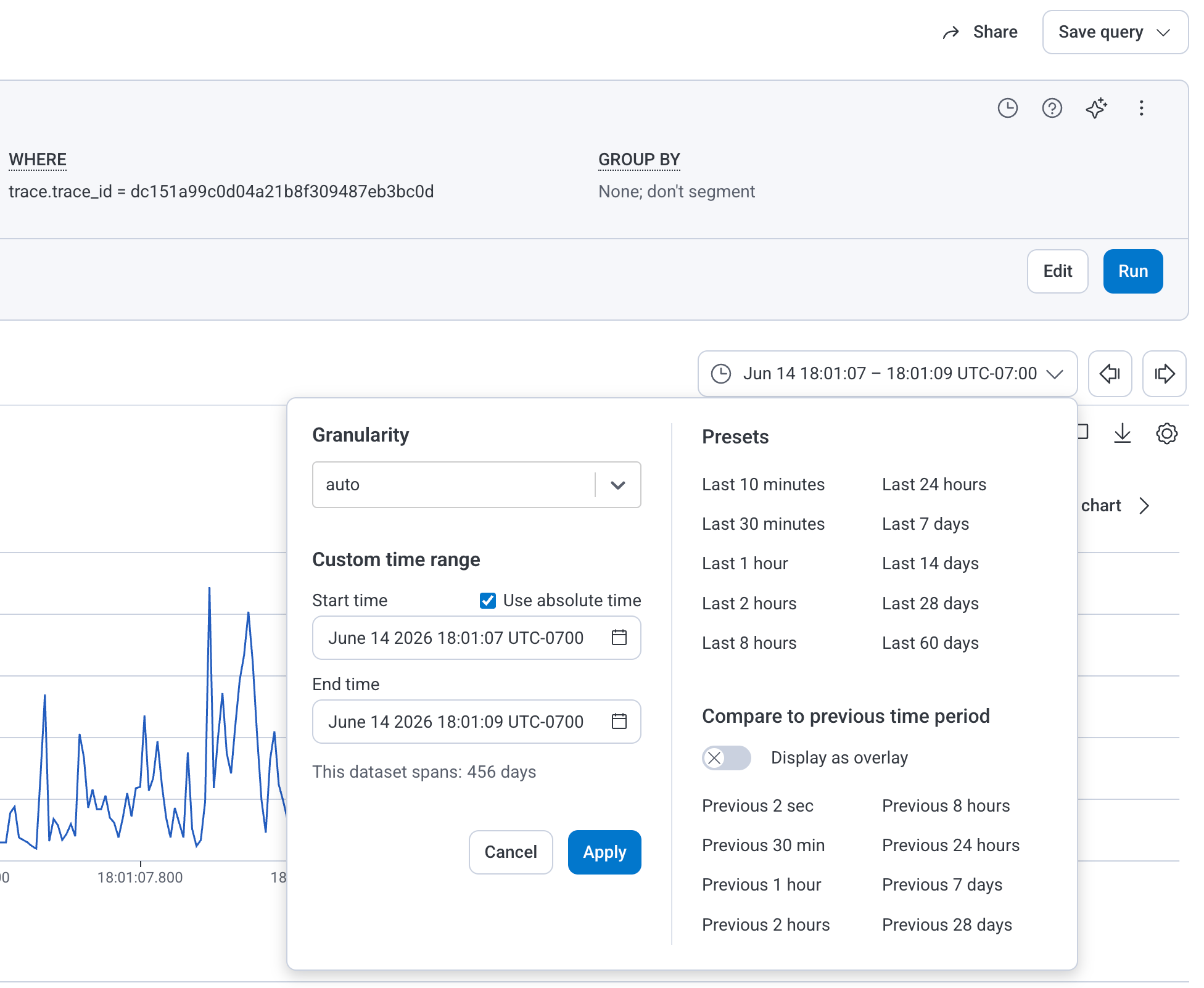
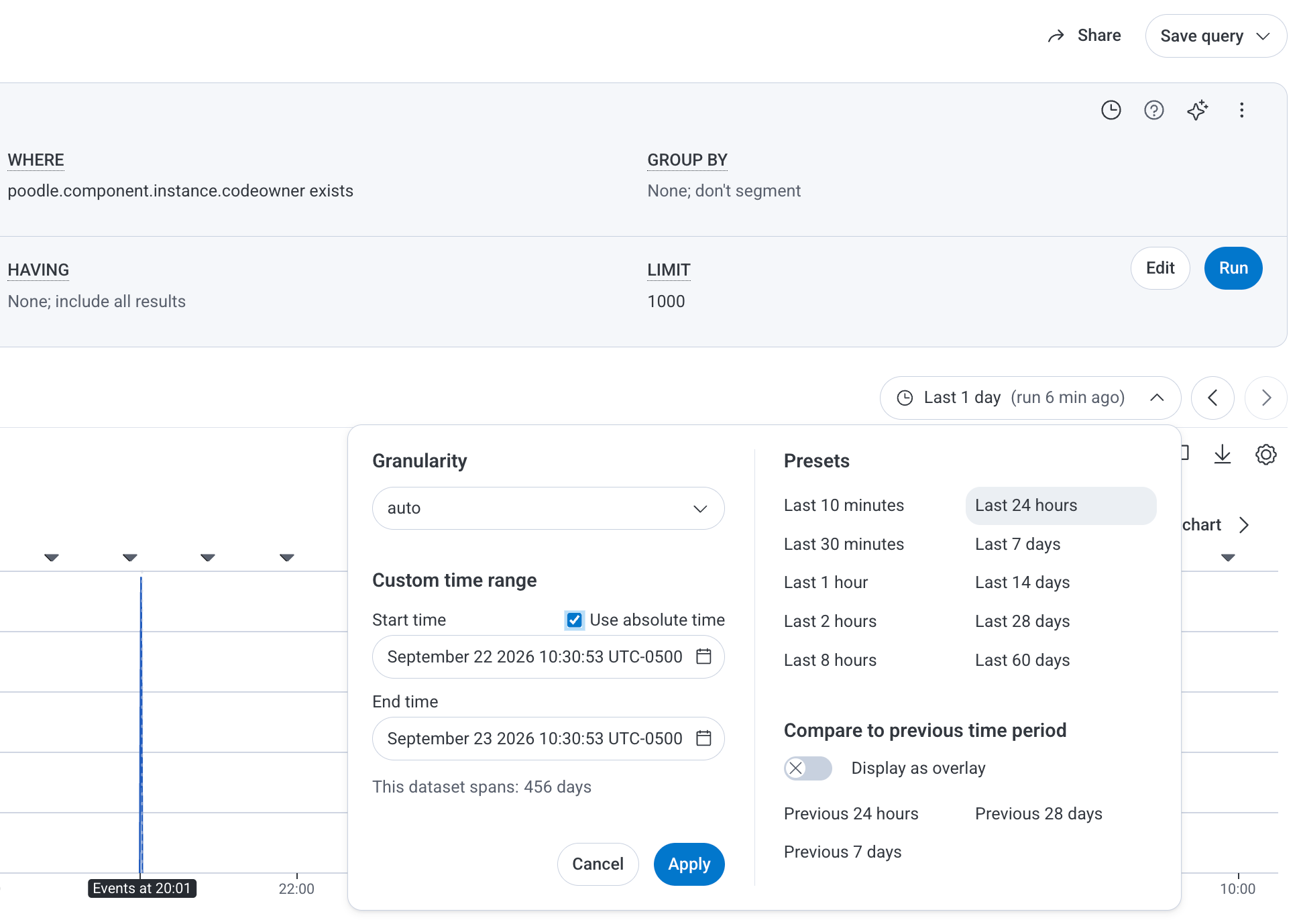
Inputs, buttons, cards, menus, and modals have softer, rounder corners and stand out clearly from the page and from each other.
Scan any screen, and the control you need is easy to spot without hunting for it.
 ## Canvas in the navigation menu
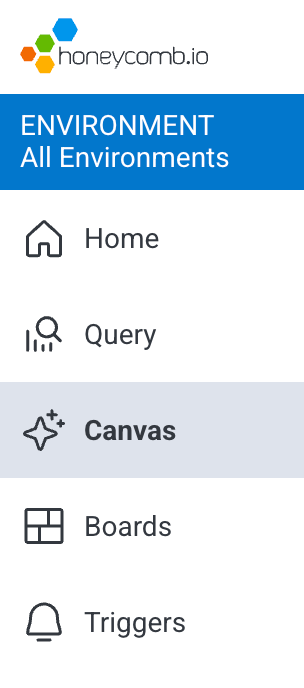
[Canvas](/investigate/canvas) is grouped with the other investigative tools, so your next investigation is always one glance away.
Select **Canvas** () from the navigation menu, where it now appears between **Query** and **Boards**.
## Canvas in the navigation menu
[Canvas](/investigate/canvas) is grouped with the other investigative tools, so your next investigation is always one glance away.
Select **Canvas** () from the navigation menu, where it now appears between **Query** and **Boards**.
 ## Heatmaps that highlight rare events
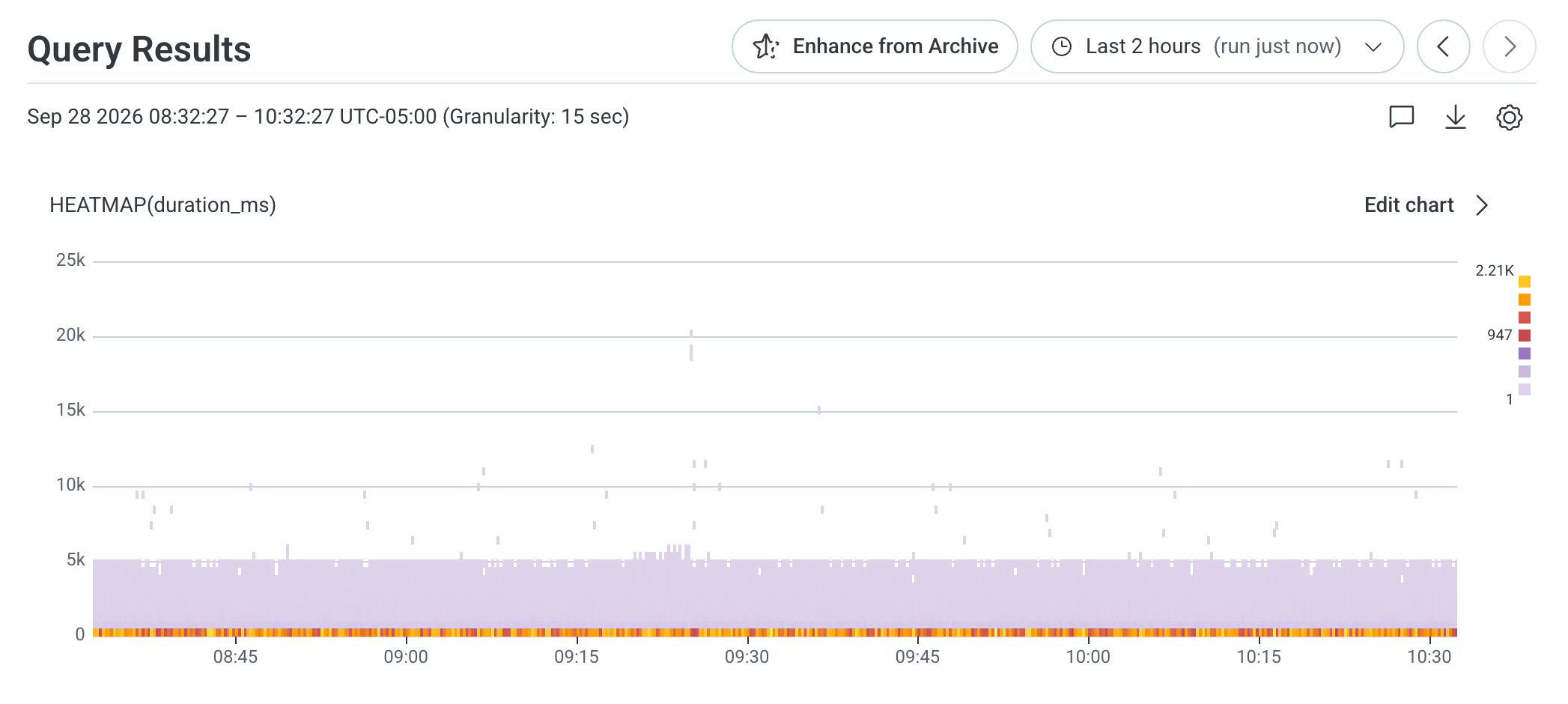
The events that happen least often are frequently the ones worth investigating, and [heatmaps](/investigate/analyze/visualize-events) put them front and center.
An updated color scale keeps low-count buckets and outliers visible instead of letting them fade into the background.
Use the chart's legend to match each color to its event count.
## Heatmaps that highlight rare events
The events that happen least often are frequently the ones worth investigating, and [heatmaps](/investigate/analyze/visualize-events) put them front and center.
An updated color scale keeps low-count buckets and outliers visible instead of letting them fade into the background.
Use the chart's legend to match each color to its event count.
 ## Query Builder in dark mode
Dark mode fans, this one is for you.
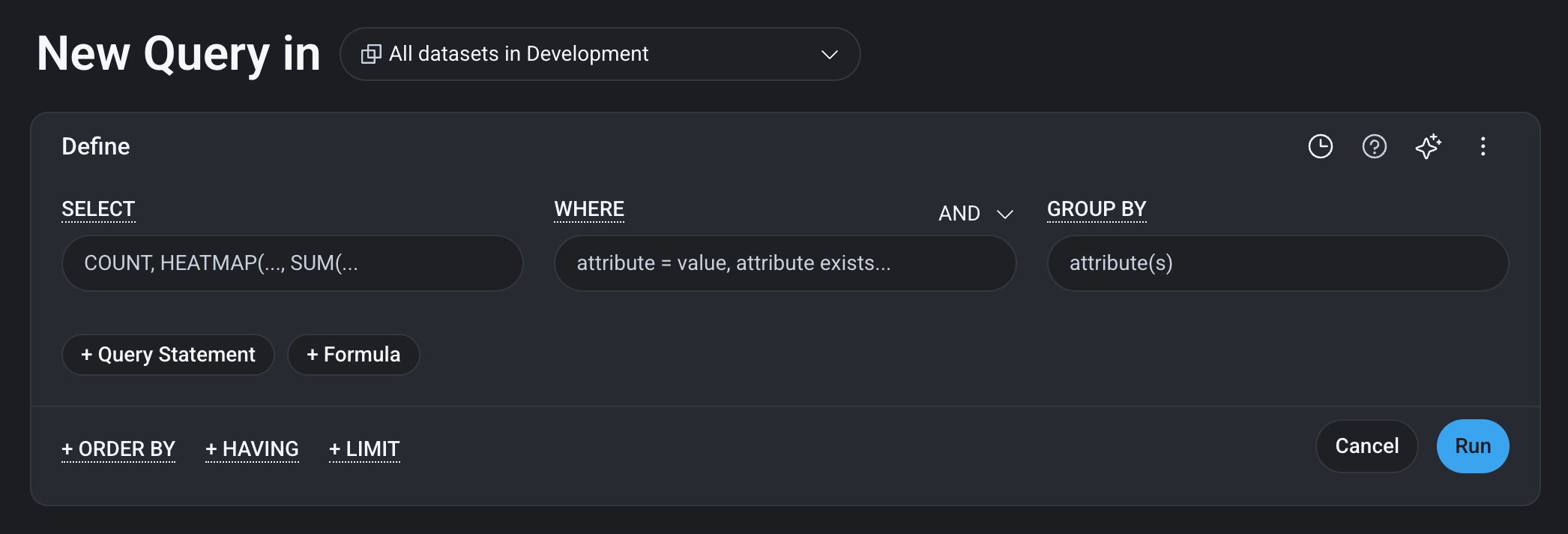
In dark mode, the Query Builder appears as a distinct panel against the page background, so you can see exactly what you are building without straining.
## Query Builder in dark mode
Dark mode fans, this one is for you.
In dark mode, the Query Builder appears as a distinct panel against the page background, so you can see exactly what you are building without straining.